How to Get a Free SSL Certificate for Life
Print- 1
Introduction
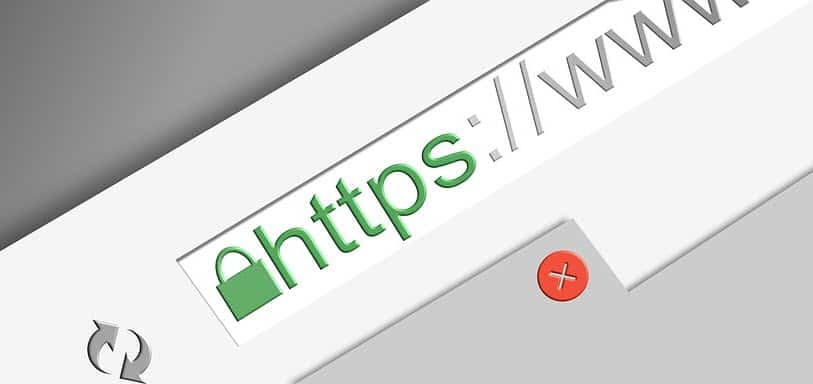
Have you ever noticed the padlock symbol in a website’s address bar? That’s SSL (Secure Sockets Layer). It encrypts data and shows visitors your site is safe. Without SSL, browsers warn users with “Not Secure”.
Why SSL Is Important
-
Security: Encrypts sensitive information like passwords and customer data.
-
Trust: Clients won’t feel safe leaving details on a site without SSL.
-
SEO: Google ranks secure sites higher.
Free vs. Paid SSL
-
Free SSL (Let’s Encrypt): Ideal for small businesses, blogs, and shops.
-
Paid SSL: Only necessary for banks, large eCommerce, or high-risk industries.
How to Get SSL for Free at IngenHost
-
Log in to your IngenHost account.
-
Open your hosting control panel.
-
Click Enable Free SSL.
-
Done! Your website now shows the secure padlock.
Key Takeaway
With IngenHost, SSL is free for life on every plan. You don’t need to spend extra money or deal with technical headaches.
Secure your website today with IngenHost — all plans include SSL at no extra cost.